01
Bring your starting point
Upload a JPEG, PNG or WebP photo to restyle, or describe a new image. Add direction about the subject, setting or mood you want.
GenZyp.ai
Your photo, a fresh look, a caption in your voice. Create visual posts for Instagram, TikTok and LinkedIn without starting from a blank canvas.
A direction for your next post
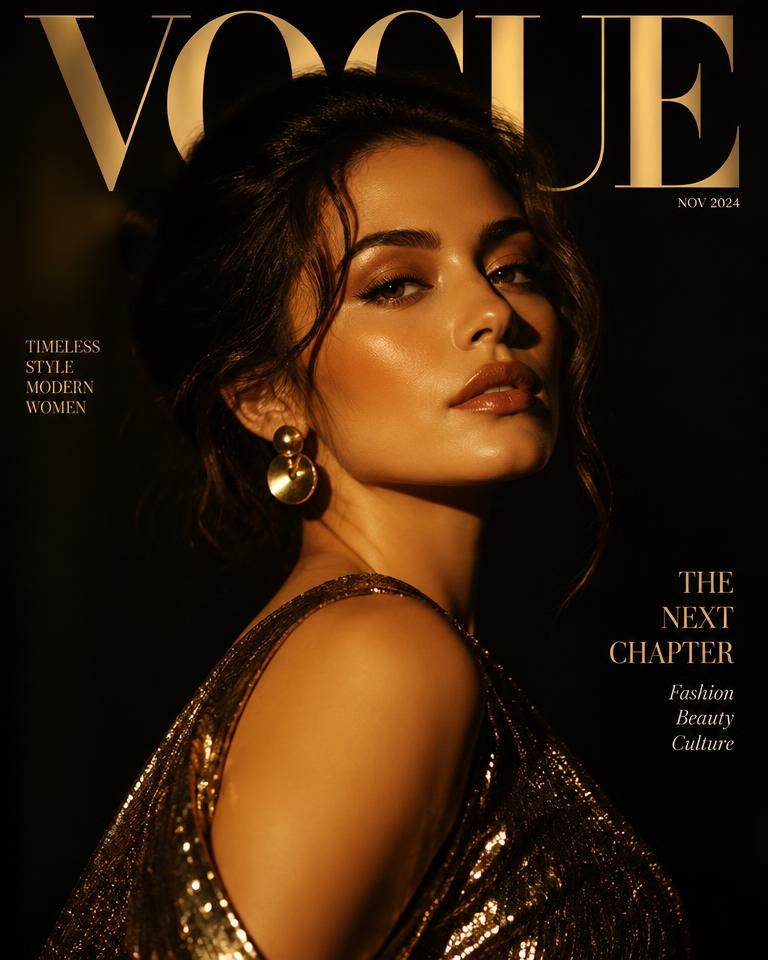
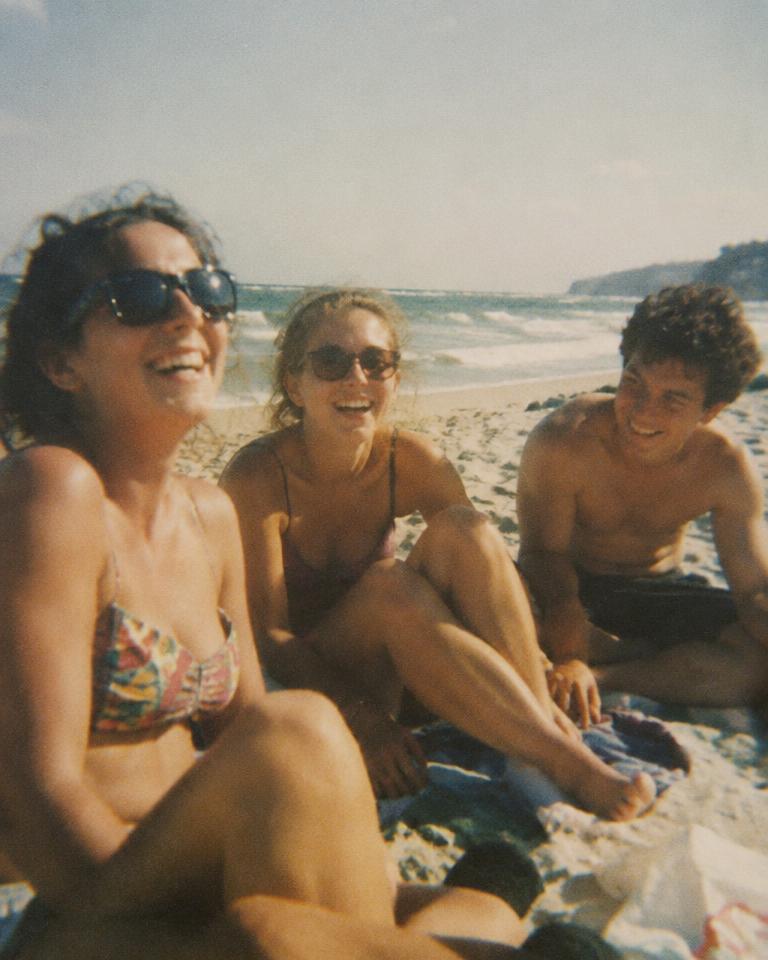
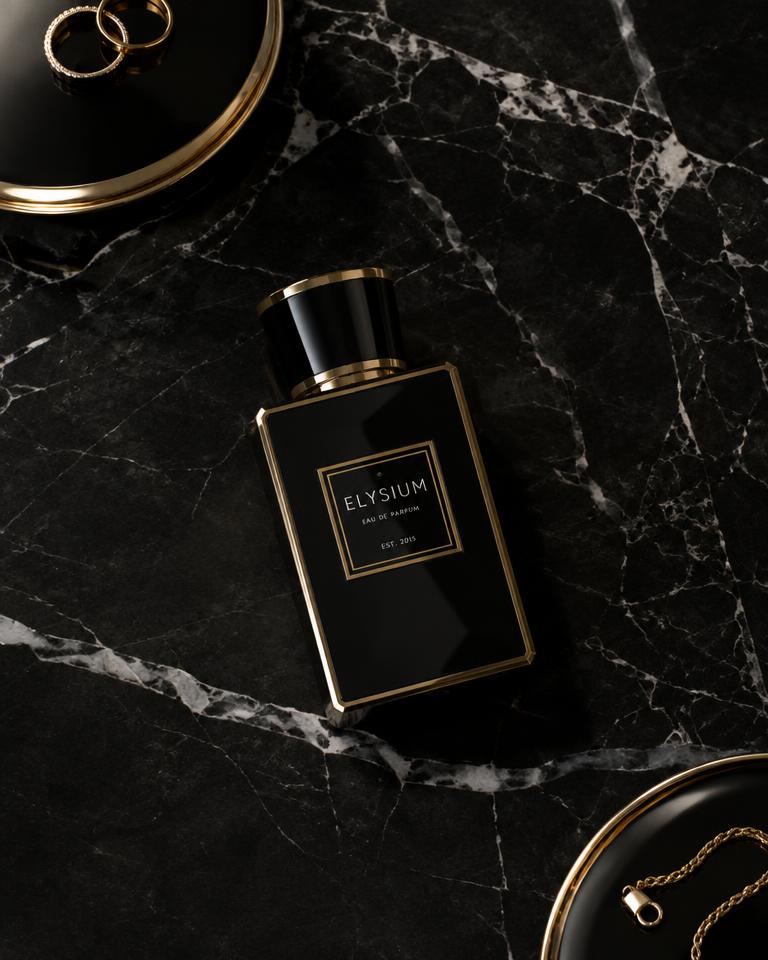
Style examples from the template library. Results vary with your photo, prompt and selected model.
Upload a JPEG, PNG or WebP photo to restyle, or describe a new image. Add direction about the subject, setting or mood you want.
Pick a template and your social formats. Compare four variations of the same selected style, then choose the image that fits your feed.
Review the generated caption and hashtags, edit the wording and copy it. Download your image or save the post to your private Gallery.
Made for your feed
Choose Instagram feed sizes, vertical images for Stories, Reels covers or TikTok posts, and square or landscape images for LinkedIn. Photo Studio crops your selected image to each chosen format; check the crop before exporting so important details stay visible.
Generate captions alongside your images, then rewrite or edit them for your audience. Copy the caption and hashtags separately from the image download. Add an accessible image description with the alt-text writer.
Keep saved posts private, mark favourites and find them again by style. To share an example publicly, opt in from Gallery to the Community Showcase.
Start with photos you own or have permission to use. Check generated faces, product details and any text before publishing to your social account.
AI captions are drafts. Verify names and claims, remove anything that does not fit your brand and add your own perspective.
Creation and private saving require an account. Generation uses AI credits; availability depends on the selected model. Downloading a post does not automatically publish it to a social network.